Kitchen Display System
Qu's Kitchen Display System captures orders from every channel on one screen, routes each one to the station that prepares it, and keeps prep synced across the kitchen. Part of Qu's Intelligent Commerce Platform, built for restaurants running 20 to 2,500+ locations.
Schedule a Demo



What Is a Kitchen Display System?
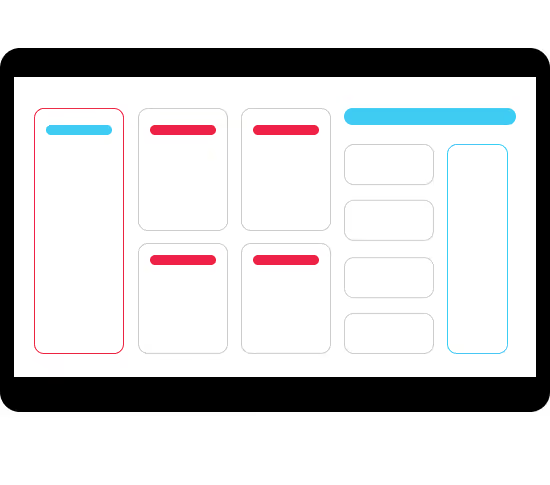
A kitchen display system is a digital screen that replaces printed kitchen tickets, showing incoming orders from every channel and routing each one to the station that prepares it.


align
Faster Fulfillment And Less Staff Stress
An intuitive interface with visual cues and automated alerts speeds up order processing, keeping staff calm and efficient during peak times.
Intelligent Order Management
Efficiently handle orders with advanced management tools that streamline kitchen operations.
Fire on tender, fire on next, fire on fly, and manual fire/suspend to fit any ordering or kitchen workflow.
Flexible order routing, manual or intelligent rules-based, ensures orders reach the right station for faster, accurate prep.
Keep your entire kitchen aligned by syncing item status across all production and fulfillment KDS stations in real time.
Staff can update submitted orders directly on the KDS, keeping teams accurate without the back-and-forth.




Where It All Comes Together
Performance Analytics
Unlock actionable insights and real-time prep tracking to enhance performance and drive revenue.
Learn MoreUnified Order Fulfillment
Qu’s KDS syncs automatically to Qu’s Order Status to keep guests and team members informed.
Learn MoreReal-Time Data
Achieve synchronization across all service channels and stay informed when and where you need it most.
Learn MoreExplore the Full Platform
Every Qu product is built to work together. The more connected your stack, the smarter your operation.
Learn More