Order Status
Qu Order Status transforms chaotic kitchens into synchronized powerhouses, eliminating the guesswork from order fulfillment while dramatically boosting operational efficiency.
Schedule a Demo


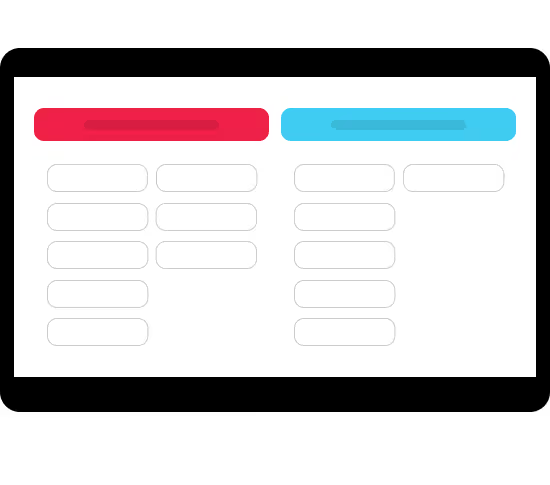


expedite
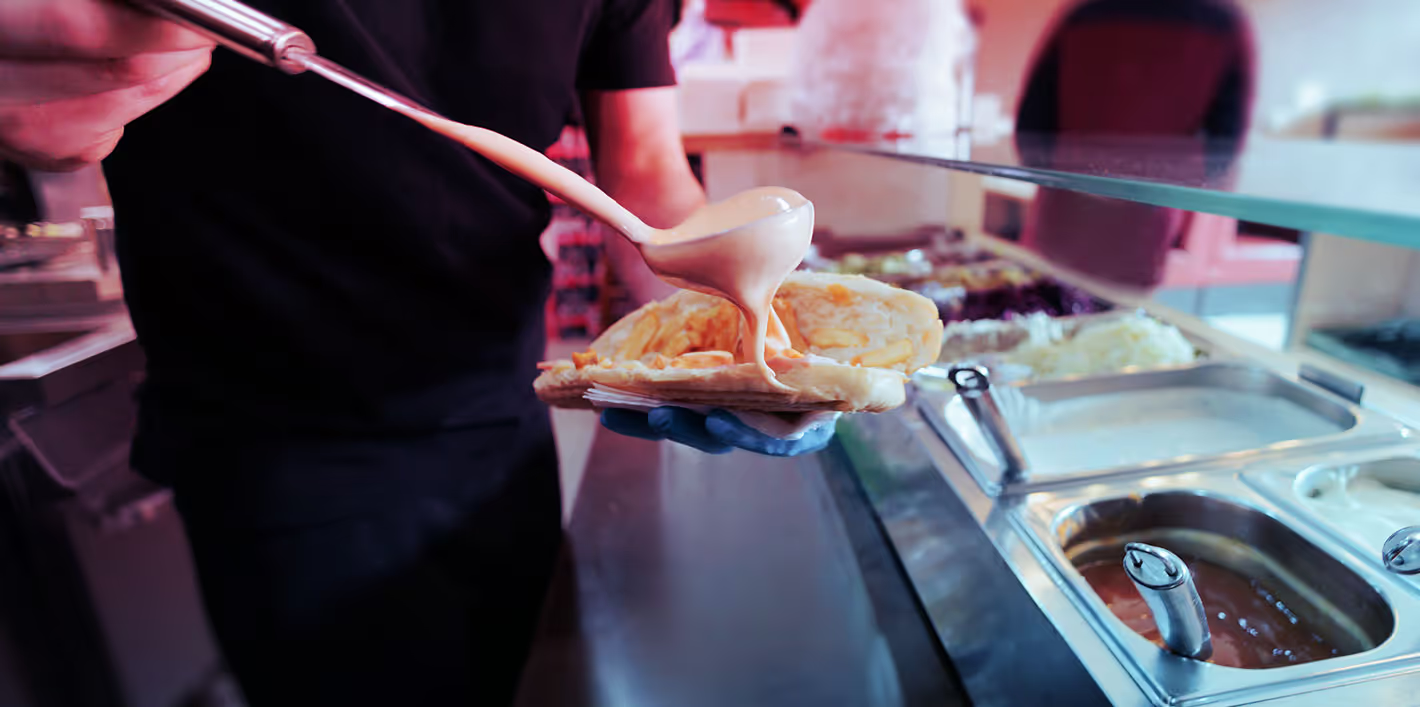
Accelerate Service
Streamline order fulfillment with real-time visibility into order details and status updates.
Built for Your Brand and Your Guests
Qu Order Status combines guest centric features with a direct KDS integration for a consistent, connected guest experience.
Choose from multiple layout styles and screen orientations, with easy integration of restaurant and partner brand elements for a cohesive guest experience.
Customize logos, fonts, and color schemes without development, and display branded content during idle times to promote offers and engage guests.
Personalize order status labels and headers in multiple languages providing clarity for guests and minimizing errors.
Sort and filter orders by channel while connecting directly to Qu KDS for a unified, end-to-end fulfillment experience.


Where It All Comes Together
Unified Order Fulfillment
Orders sync automatically from Qu’s KDS to Qu’s Order Status to keep guests informed
Learn MoreExplore the Full Platform
Every Qu product is built to work together. The more connected your stack, the smarter your operation.
Learn More